
For Lexical engine-level behavior and APIs, read the official Lexical docs: lexical.dev/docs.
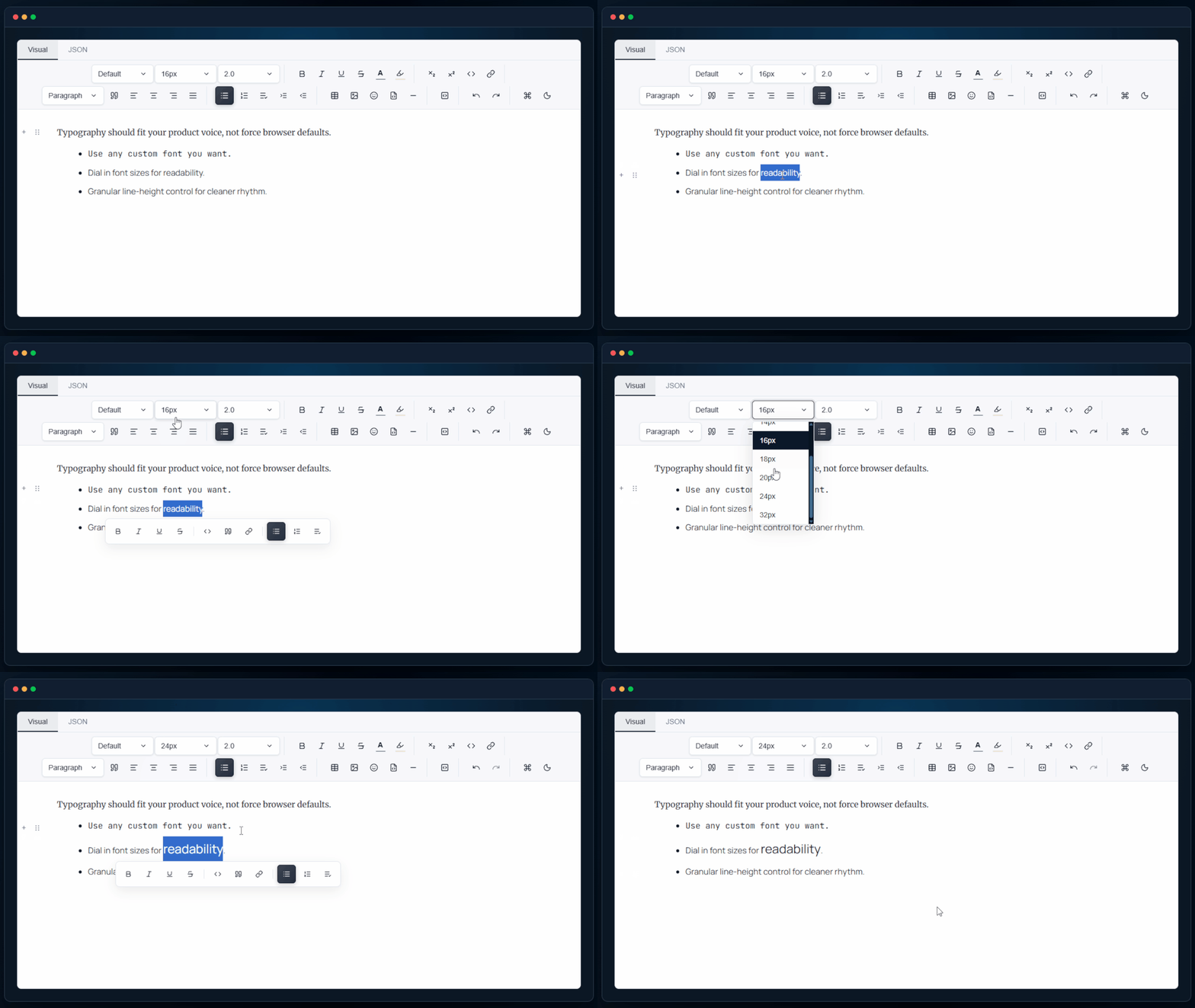
Custom fonts, font size controls, and line-height that behaves. Typography should fit your product voice, not force browser defaults.
| Package | Availability |
|---|---|
@lyfie/luthor | Yes |
@lyfie/luthor-headless | Yes |
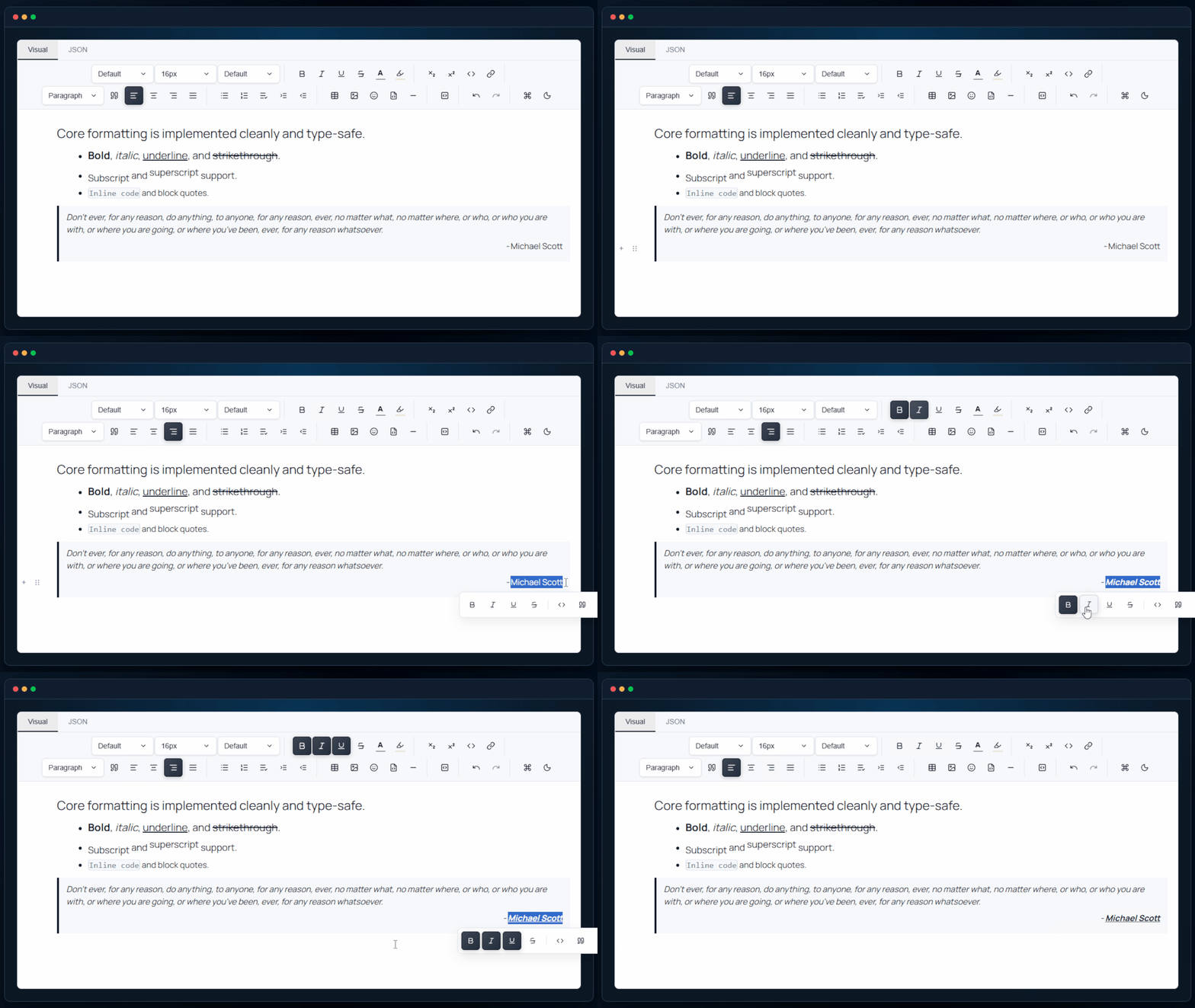
Bold, italic, underline, strike, sub/superscript, code, and quotes. Core formatting is implemented cleanly and type-safe.
| Package | Availability |
|---|---|
@lyfie/luthor | Yes |
@lyfie/luthor-headless | Yes |
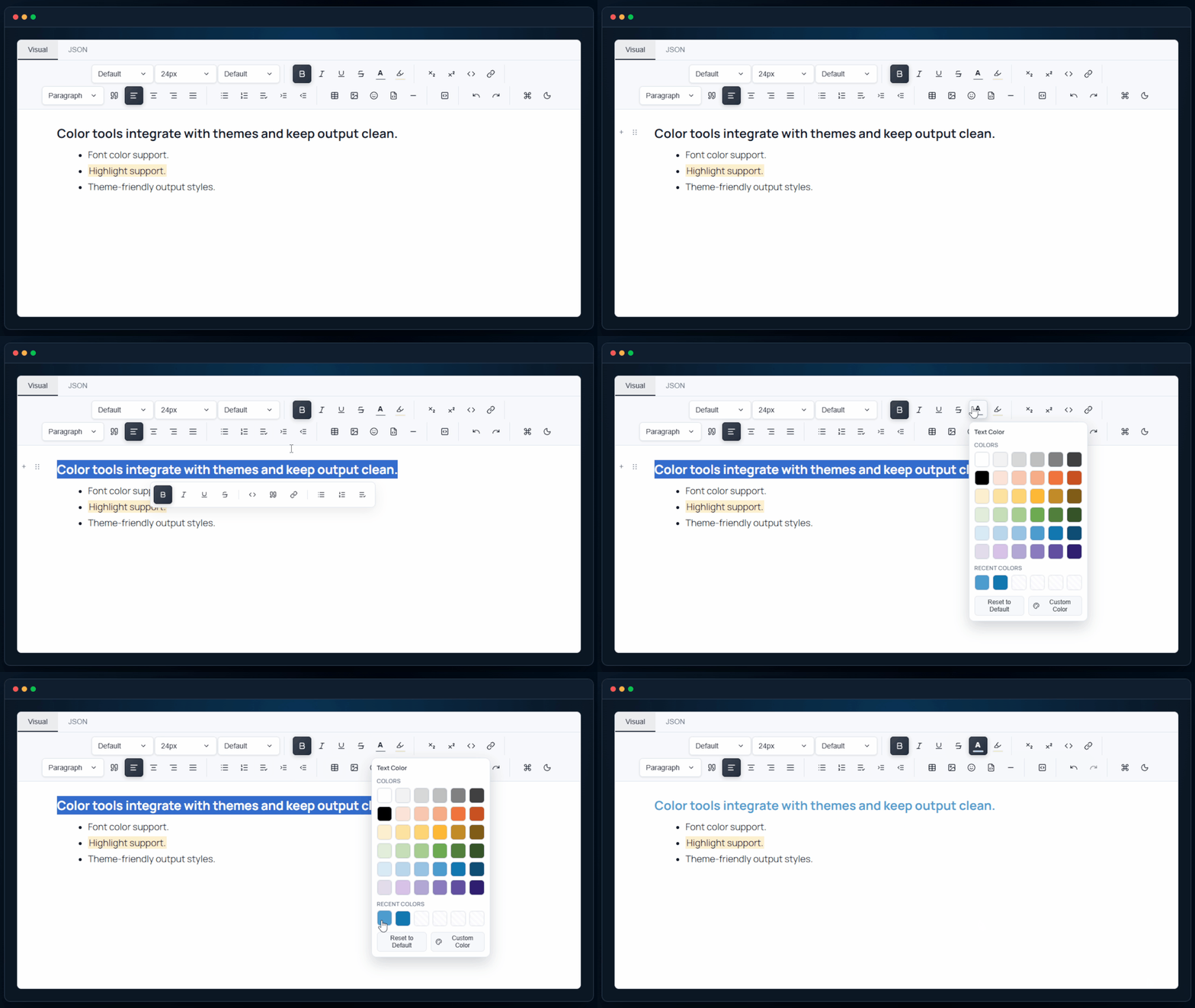
Apply font color and highlights without inline style chaos. Color tools integrate with themes and keep output clean.
| Package | Availability |
|---|---|
@lyfie/luthor | Yes |
@lyfie/luthor-headless | Yes |
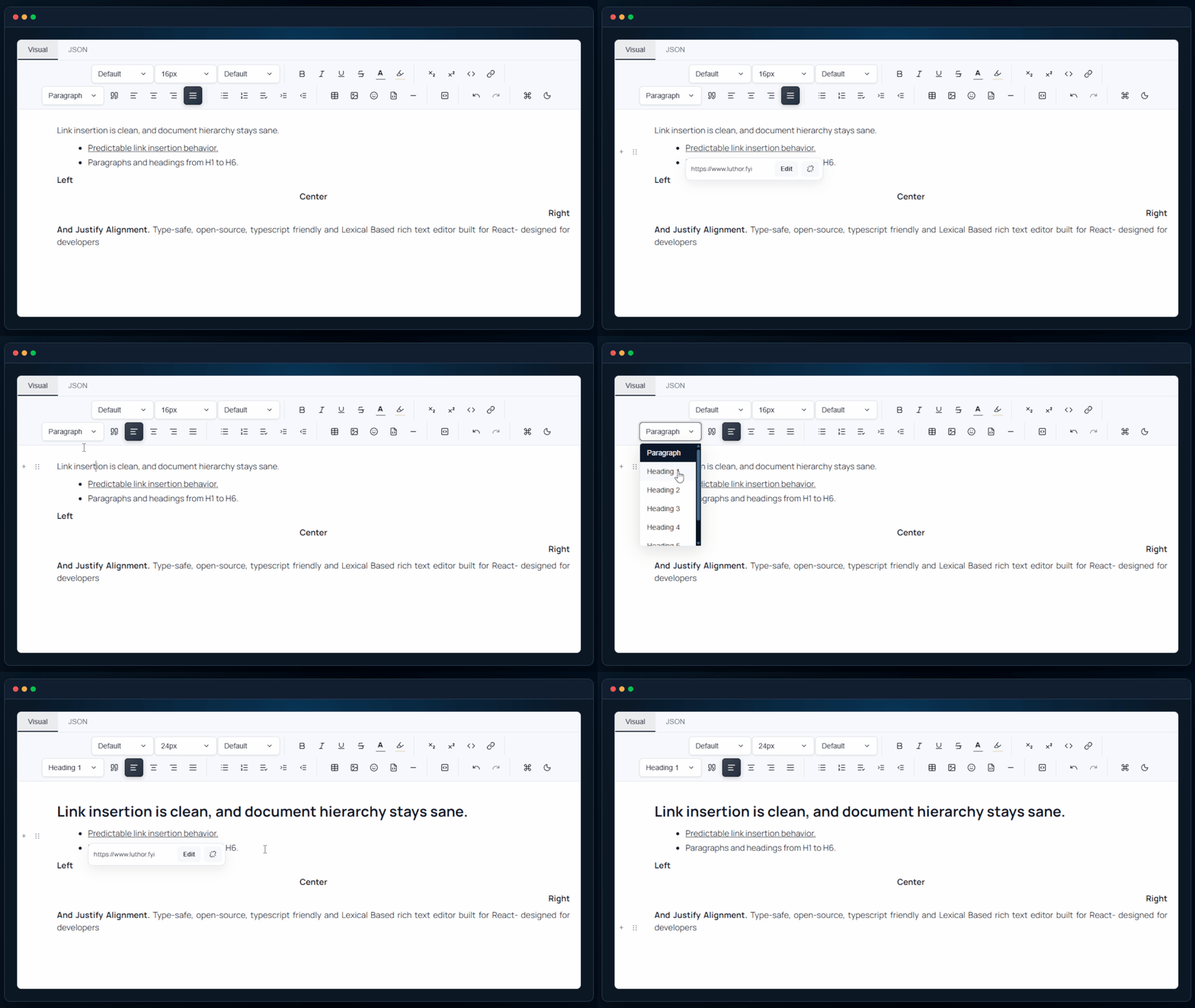
Predictable links plus semantic headings and paragraph flow. Link insertion is clean, and document hierarchy stays sane.
| Package | Availability |
|---|---|
@lyfie/luthor | Yes |
@lyfie/luthor-headless | Yes |
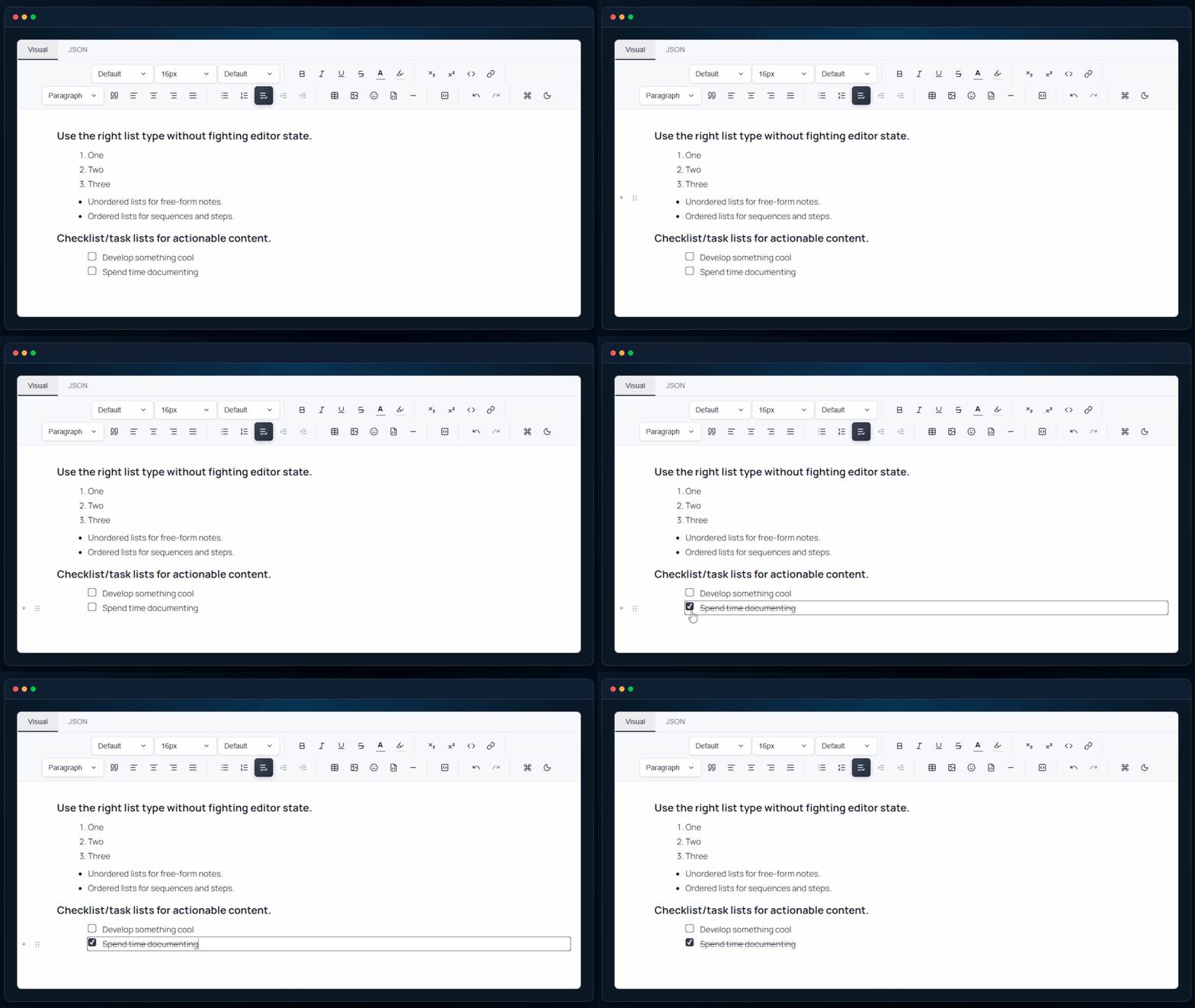
Unordered, ordered, and checklist/task lists in one workflow. Use the right list type without fighting editor state.
| Package | Availability |
|---|---|
@lyfie/luthor | Yes |
@lyfie/luthor-headless | Yes |
Indent in and out with consistent, structure-safe behavior. Tab behavior is predictable and respects document structure.
| Package | Availability |
|---|---|
@lyfie/luthor | Yes |
@lyfie/luthor-headless | Yes |
Embed images, iframes, and YouTube content with minimal friction. Paste and render rich media without bolt-on hacks.
| Package | Availability |
|---|---|
@lyfie/luthor | Yes |
@lyfie/luthor-headless | Yes |
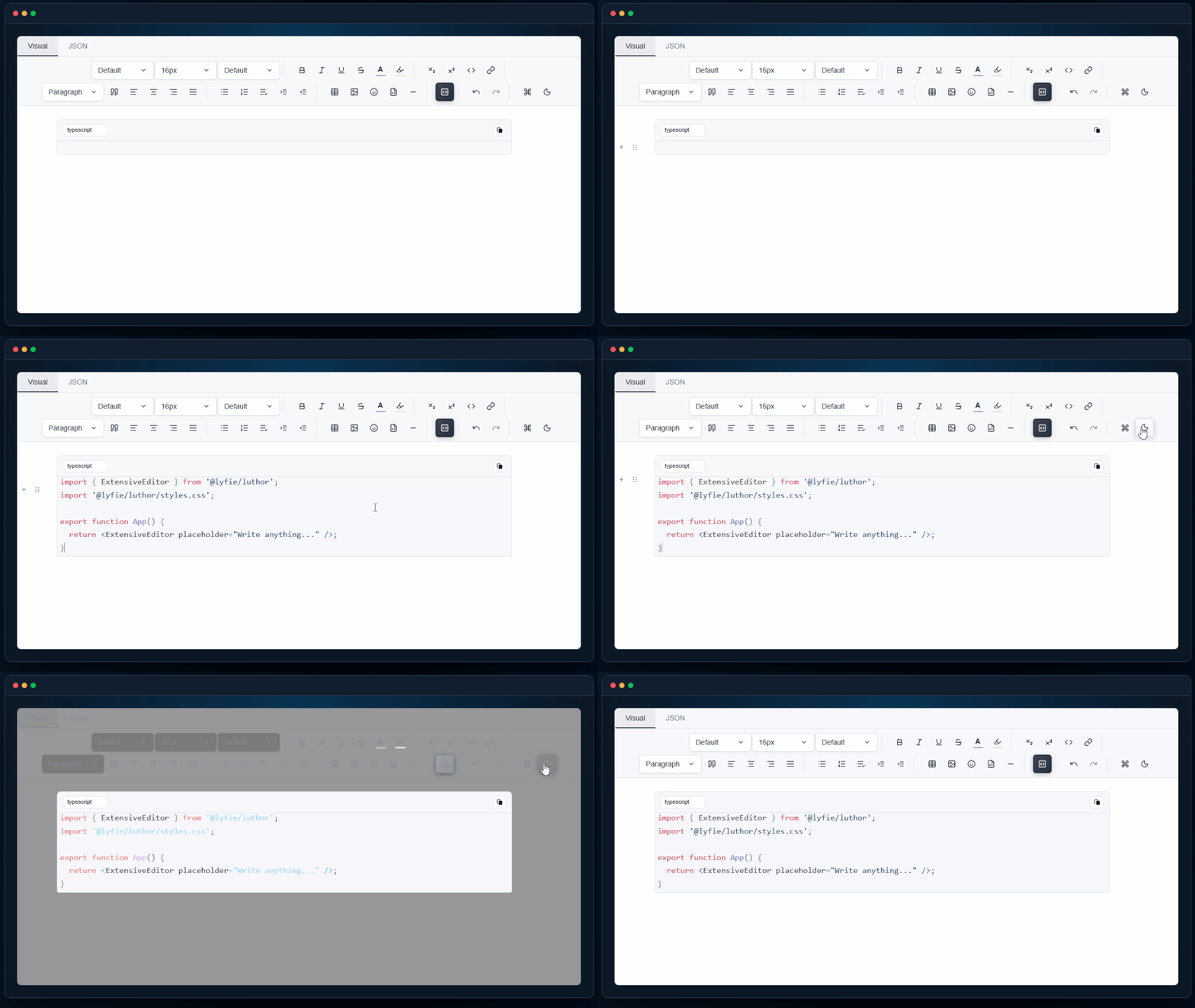
Syntax-ready code blocks for docs, tutorials, and snippets. Code content stays structured and extendable for real product usage.
| Package | Availability |
|---|---|
@lyfie/luthor | Yes |
@lyfie/luthor-headless | Yes |
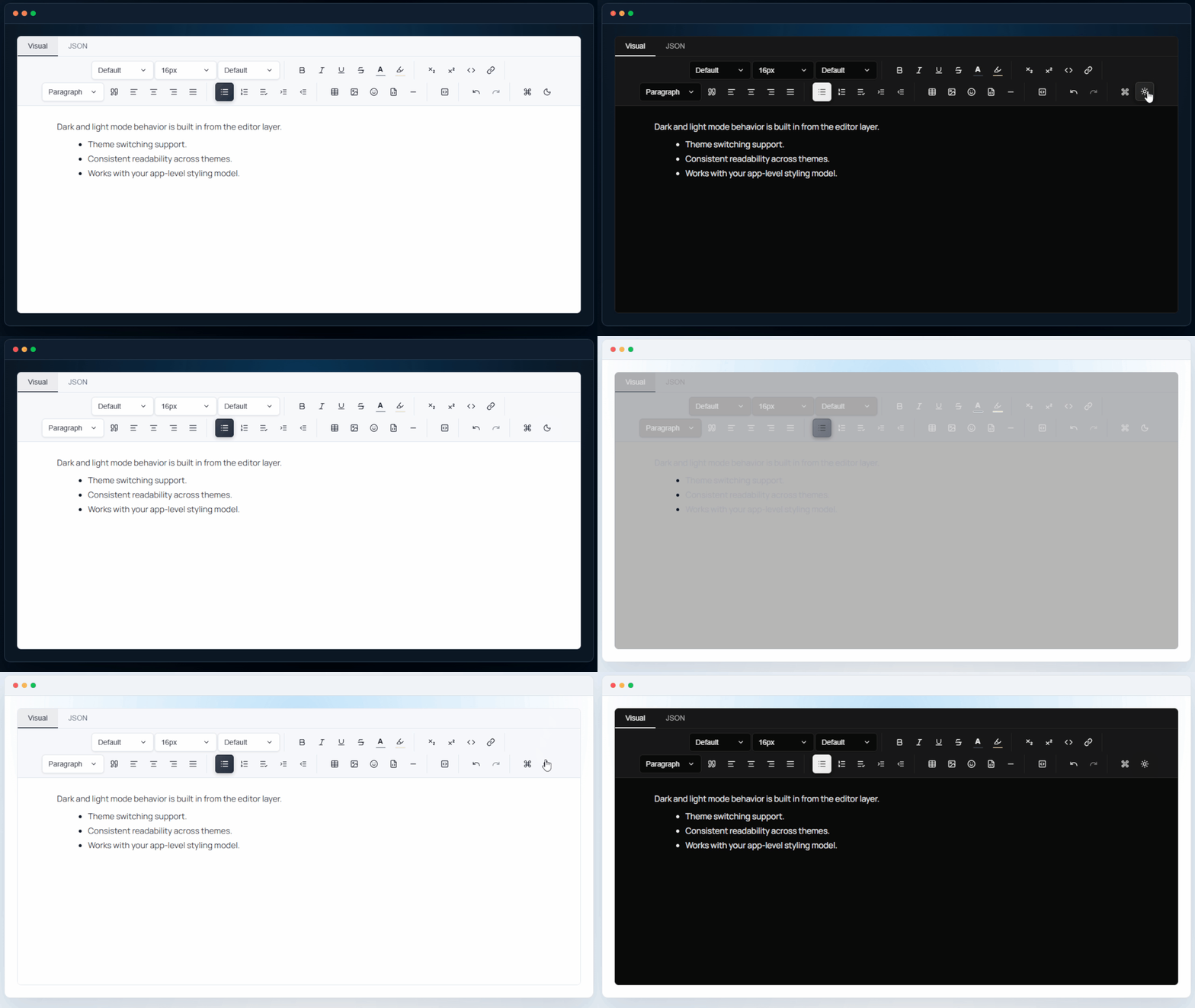
Editor-layer theme support, not fragile visual hacks. Dark and light mode behavior is built in from the editor layer.
| Package | Availability |
|---|---|
@lyfie/luthor | Yes |
@lyfie/luthor-headless | Yes |
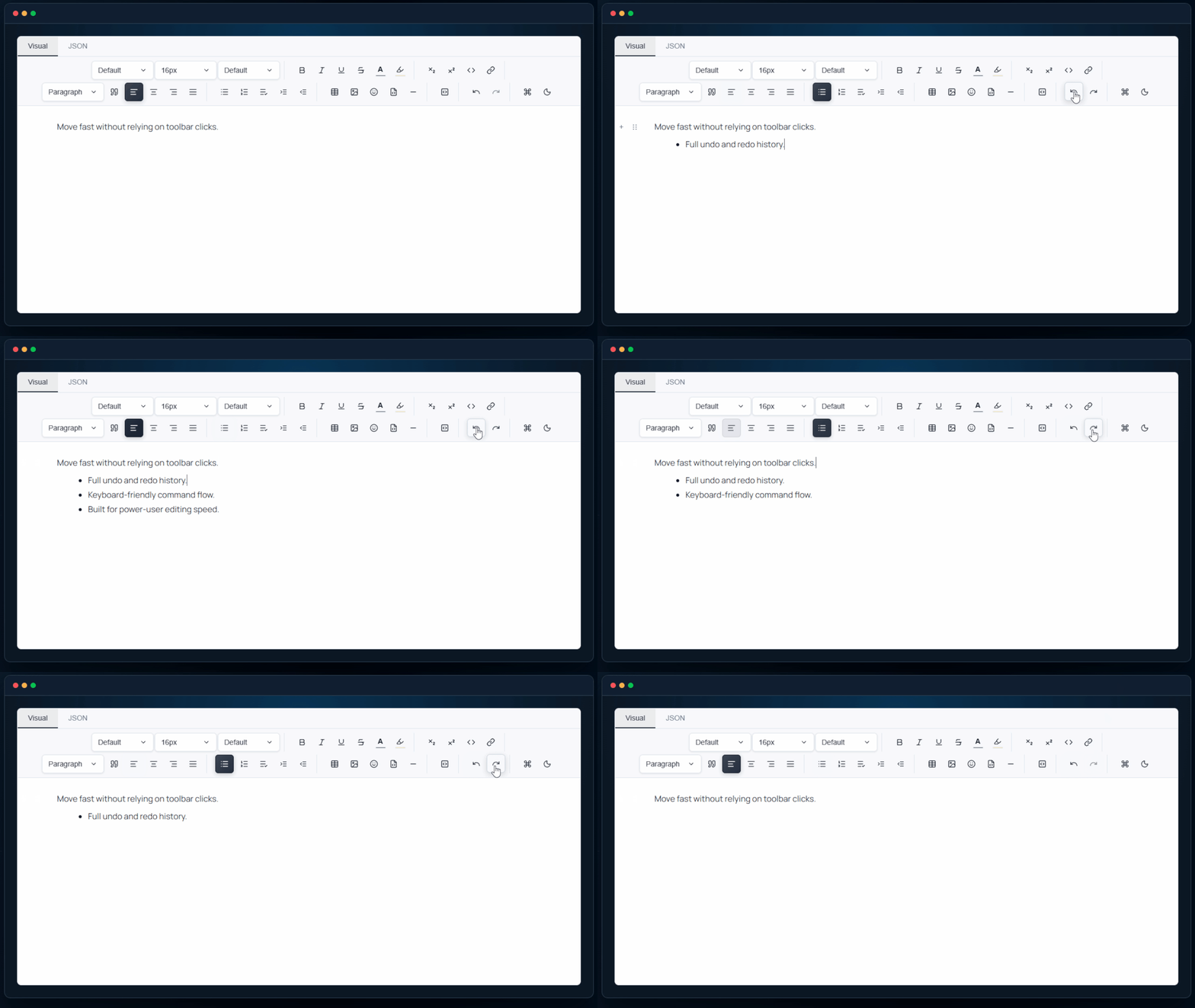
Undo/redo and keyboard-first interactions across core features. Move fast without relying on toolbar clicks.
| Package | Availability |
|---|---|
@lyfie/luthor | Yes |
@lyfie/luthor-headless | Yes |
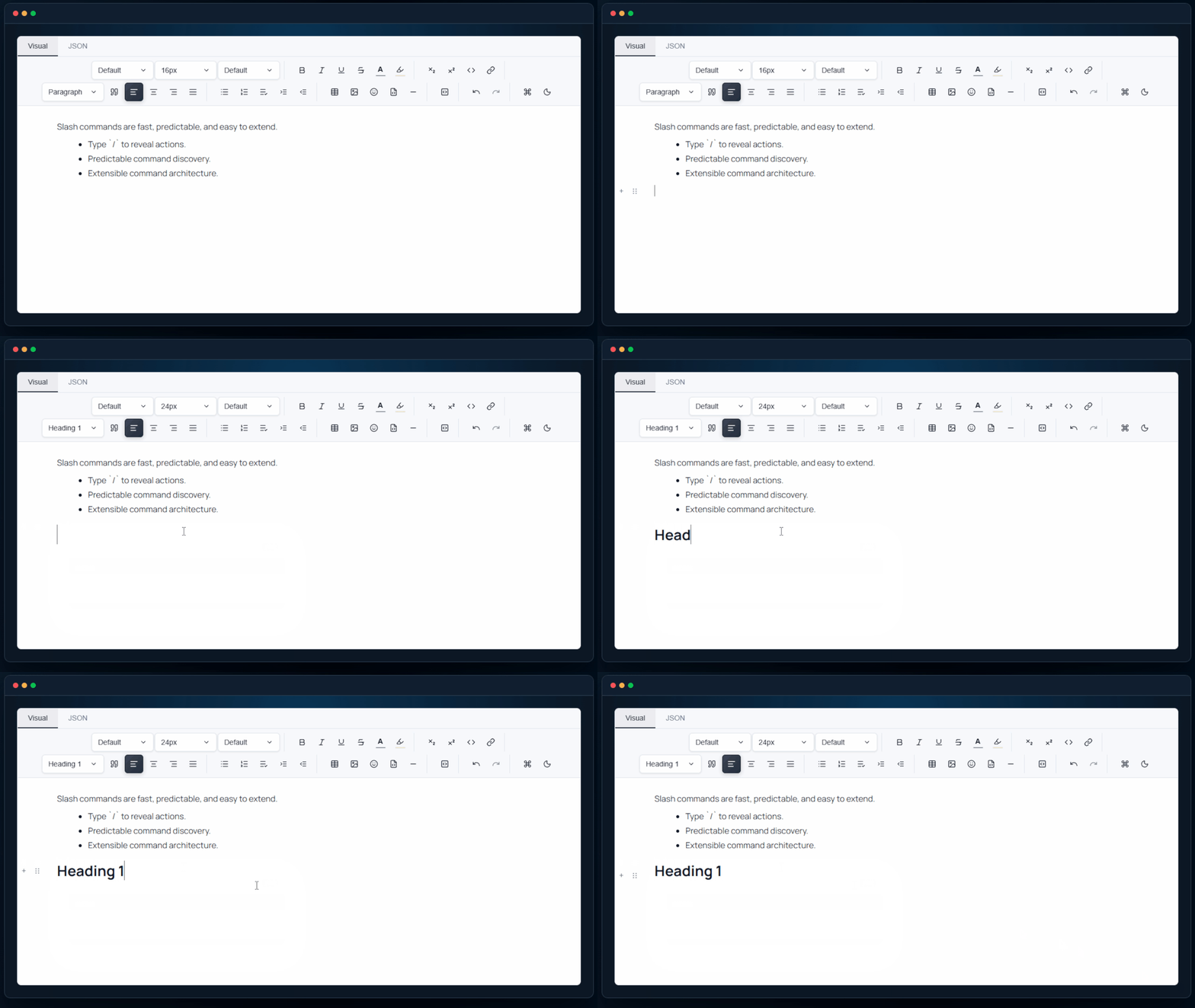
Type / to discover and trigger editor actions quickly. Slash commands are fast, predictable, and easy to extend.
/ to reveal actions.| Package | Availability |
|---|---|
@lyfie/luthor | Yes |
@lyfie/luthor-headless | Yes |
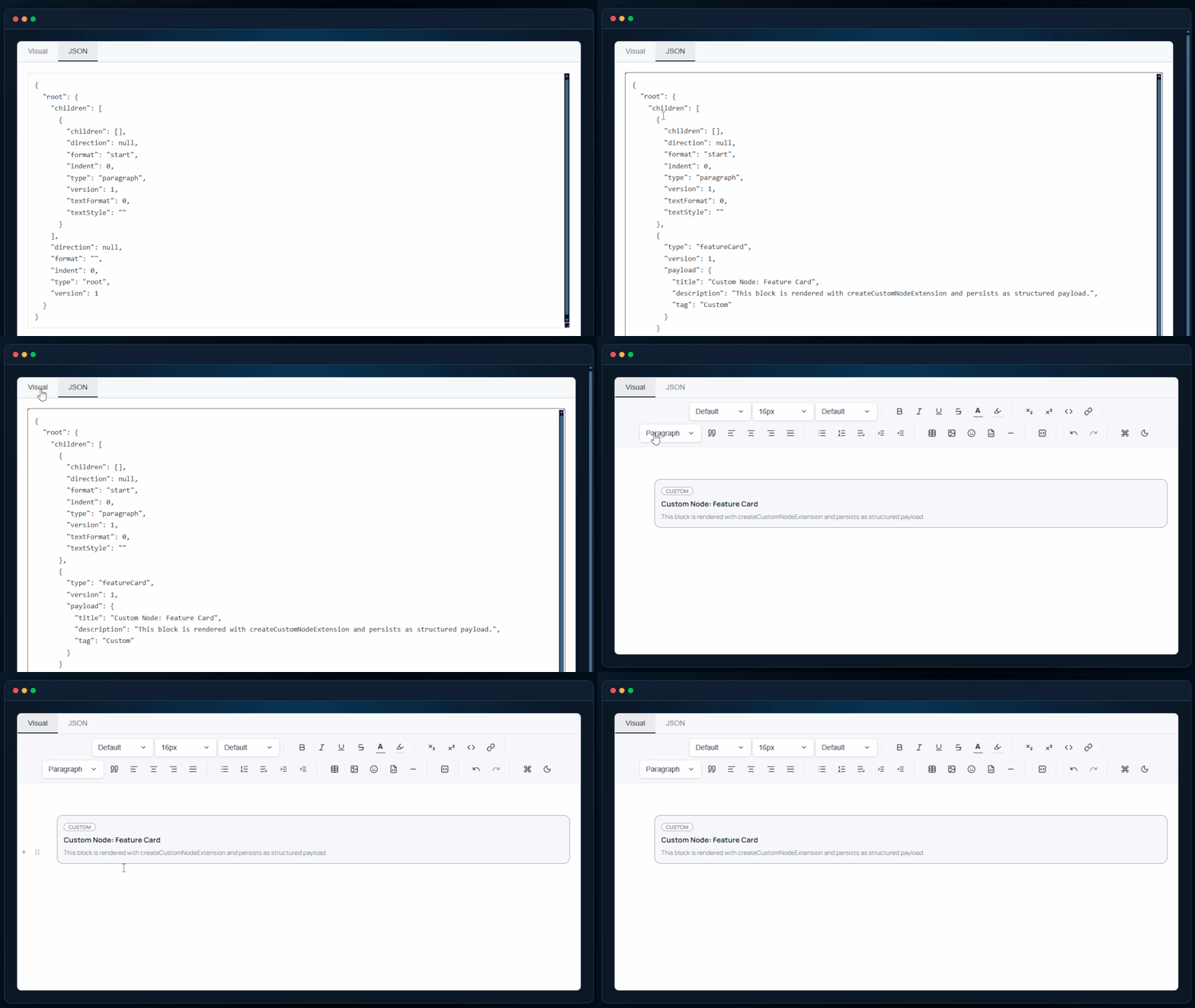
Create custom nodes and schema extensions for product-specific UX. If defaults are not enough, the editor can be shaped around your needs.
| Package | Availability |
|---|---|
@lyfie/luthor | Yes |
@lyfie/luthor-headless | Yes |